Meet With Client
Once your Site Research is complete, you'll have the context you need to get to a productive conversation with the client quickly. This article will prepare you for the structure the conversation is going to follow.
Planning Board
If this meeting were in person, the stories you'd be working on would be captured in notecards rather than digitally, but the online format requires a digital component so we can collaborate on the planning. I've created a Github project to capture this information in, I'll be describing both what should be added there and how it would be different if we were using notecards.
Notecards are a good tool because of how informal they are. As ideas are discussed and refined, it's important that you're comfortable throwing out old ideas and replacing them with new ones. Tearing up the existing card and writing new ones is a great way to represent that, on our project that will take the form of deleting items and creating new ones in their place.
There are a couple rough edges to using most online tools, and this one is no exception. We will be using the backlog table layout during this meeting:
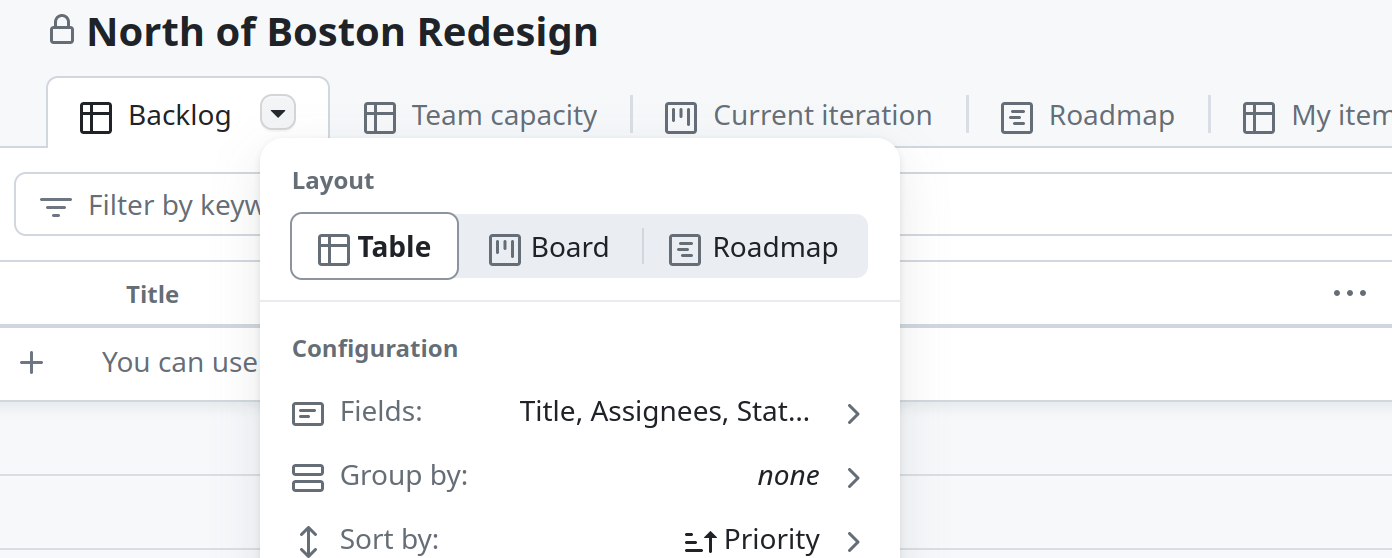
Once you make a pull request for the research assignment, I will add your account to users which can add stories. Once that is done, make sure you can add a story to the list, leave it around as I will be looking for it ahead of the meeting to verify that you will have access. Don't be fooled by the plus sign, after typing the name you have to hit enter to add the item.
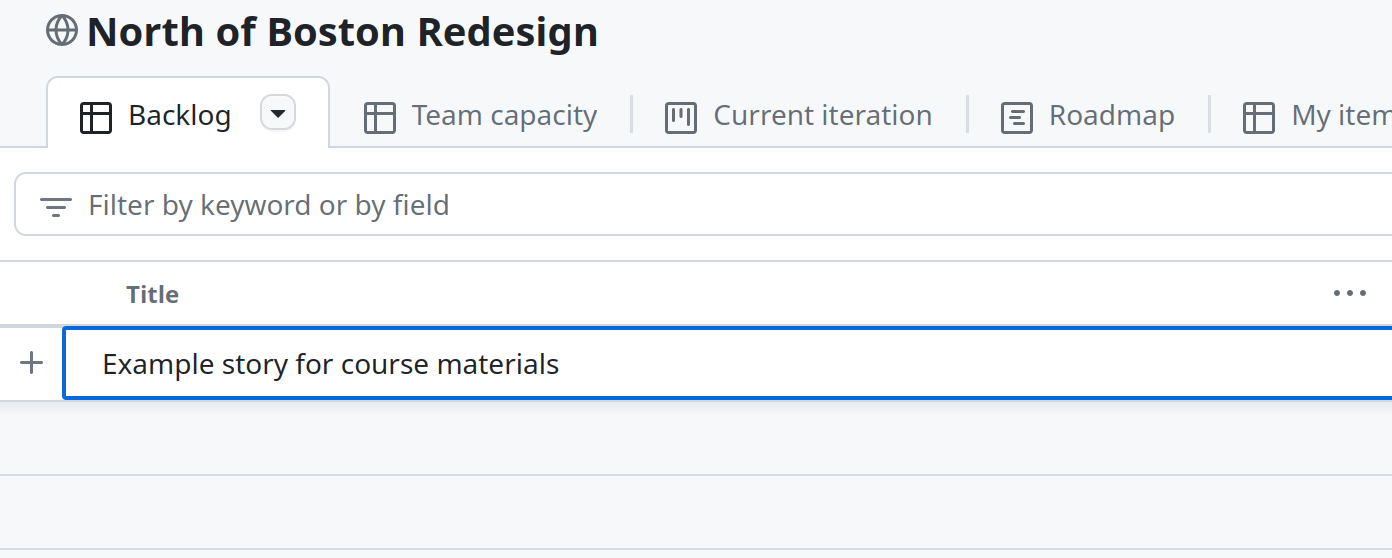
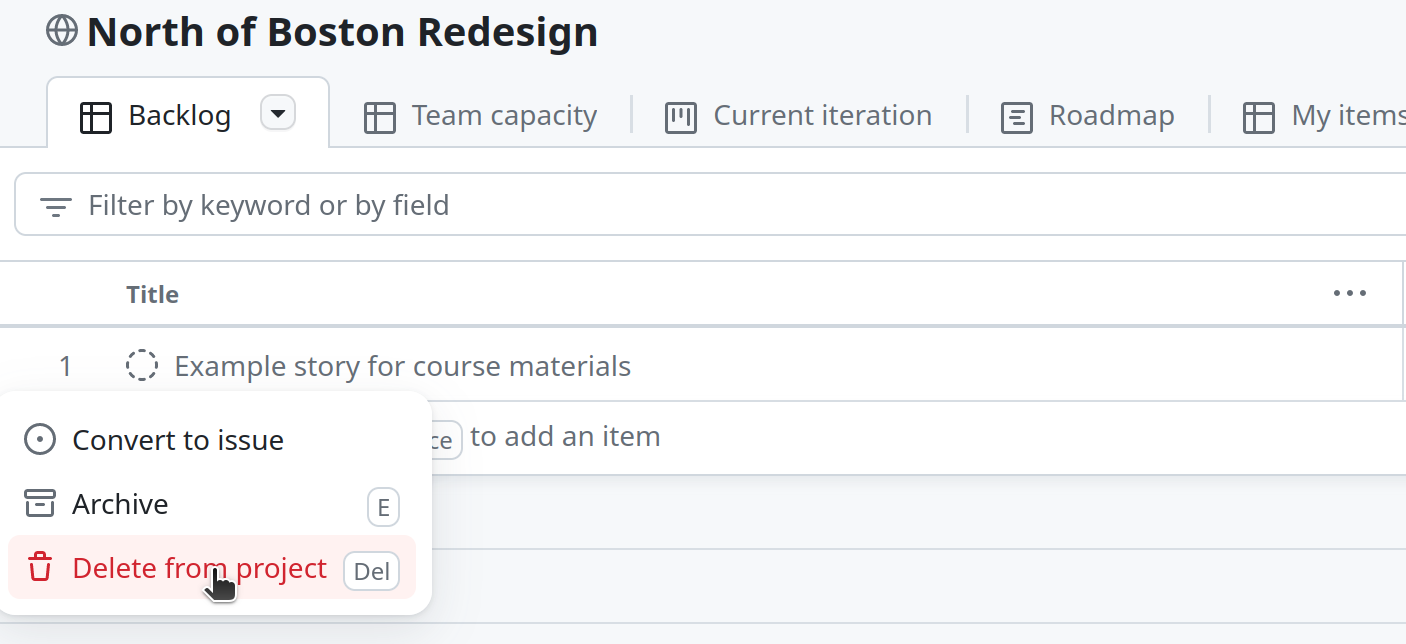
You should also verify that you can remove stories, delete the one created for the screenshots. Make sure to also do this before the meeting with the client, as I will be checking that it's no longer on the project.
Initial Requirements
The meeting will open by letting the client describe what they're looking for from a website. As they talk through these initial ideas, we'll create entries in the project that we can come back to later in the conversation. If we were using notecards, each of these would be written on individual cards.
Following the initial capture of ideas, we'll circle back to each of the cards to break them down into smaller pieces. Here is a general outline of how that should go:
- Bring up a story in the conversation, ask them to provide more detail.
- For each item they describe, create an additional story in the backlog. With notecards, you would be creating a new one for each of these items.
- Once they finish with the description, delete the original story. With notecards, you would tear up the original.
Since we only have an hour, we don't have the luxury to dive deep on every item. After each story is split, take a moment to think about which one will be the most complicated to create.
I was hoping to provide some videos for you to watch prior to the meeting to give you an idea of how it should operate. Unfortunately, the drift away from Agile's core principles means most free materials focus too much on the rituals of particular methodologies. I will therefore be conducting the first 10-15 minutes of our meeting to give you an idea of how it should work. Stories don't seem to appear on the Github board in real time, so you will have to refresh the page occasionally to see what I add during this period.
Additional Reading
I know this meeting can be extremely daunting, so here are some additional articles you can read. None of these are required reading, they are here as supplementary materials if that helps you get more comfortable with the process.
- Nik Silver, one of my favorite Agile bloggers, providing guidance on how small to make stories.
- Martin Fowler, well known author of the Agile Manifesto, providing a brief description of user stories.
- Another author of the Agile Manifesto, Ron Jeffries, discussing what goes into a story in more depth.
There's going to be a lot of terminology and context you won't be familiar with in those articles, feel free to just ignore those parts. In particular, ignore the "As a … I want … So that …" form for now, it usually ends up being overkill when capturing a simple idea.